
If you’re building a dedicated theater, these are the two projectors that end up on the shortlist. JVC’s NZ900 and Sony’s XW7000ES have been compared in every forum and review for two years.
There’s one problem with that matchup. Sony replaced the XW7000ES. Its spot at the top of Sony’s line now belongs to the Bravia Projector 9, model XW8100ES. It looks almost the same on the outside, but it has a new processor borrowed from Sony’s flagship TVs and a little more light. If you’re buying today, that’s the Sony you’re actually comparing.
So this guide covers the matchup you’ll really be choosing between: the JVC NZ900 against the Bravia Projector 9. And the honest answer to which one is better is that it depends on your room more than on either projector.
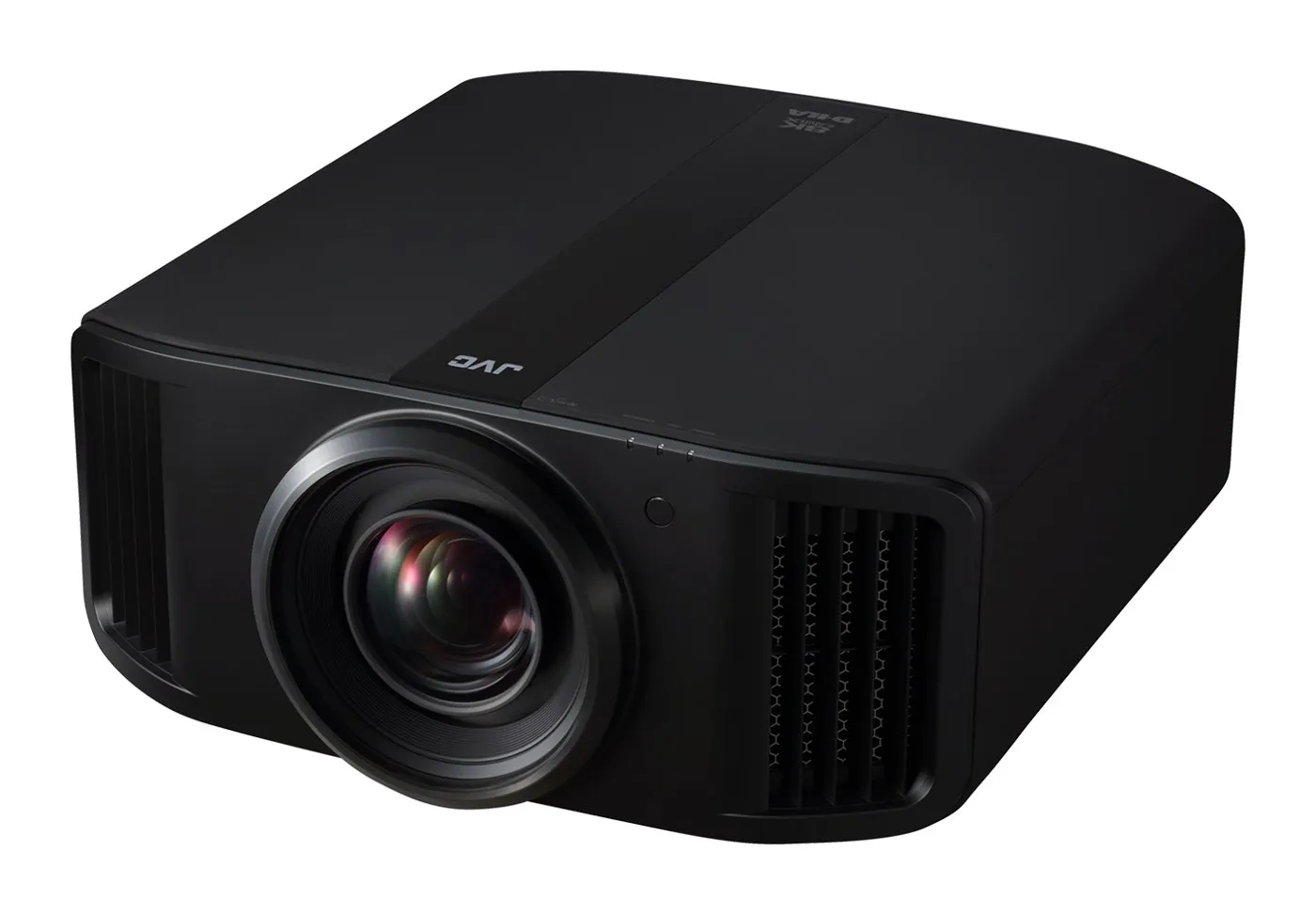 The JVC NZ900. Photo: JVC.
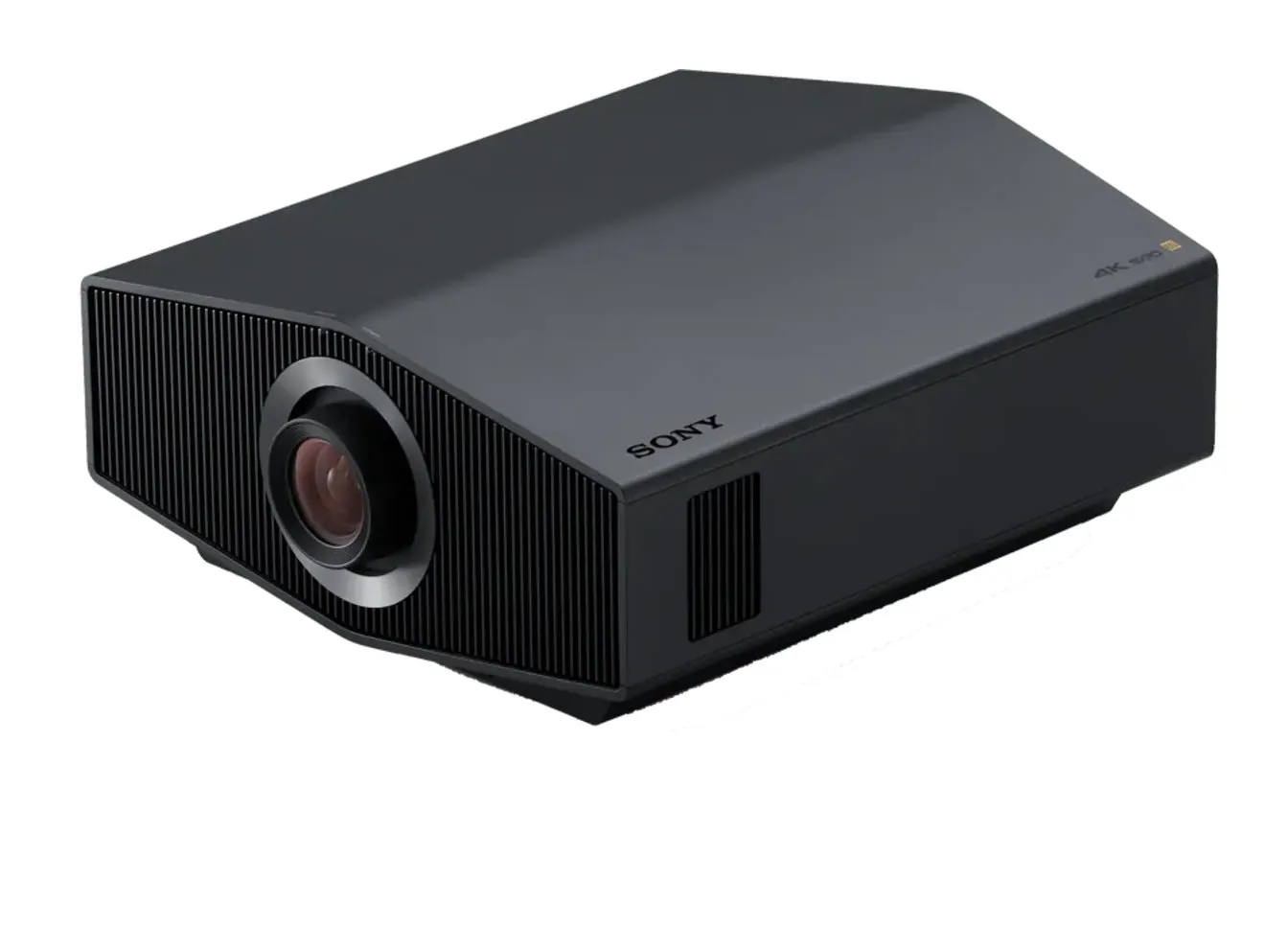 The Sony Bravia Projector 9, which took over from the XW7000ES. Photo: Sony.
The two flagships, side by side
| JVC NZ900 | Sony Bravia Projector 9 | |
|---|---|---|
| Rated brightness | 3,300 lumens | 3,400 lumens |
| Native contrast, as rated | 150,000:1 | Not published |
| Resolution | Native 4K, shifted to display 8K | Native 4K |
| Lens | 100 mm all glass, 2x zoom | 70 mm, 2.1x zoom |
| Throw ratio | 1.35 to 2.75 | 1.35 to 2.84 |
| Lens shift | Up and down 100%, side to side 43% | Up and down 85%, side to side 36% |
| HDR | HDR10, HDR10+, HLG | HDR10, HLG, IMAX Enhanced |
| 3D | Yes, with optional glasses and emitter | No |
| Gaming lag, 4K at 60 | About 38 ms | About 21 ms |
| Laser life | 20,000 hours | 20,000 hours |
| Weight | 55.7 lbs | About 31 lbs |
| Price | $32,999.95 list | $35,999.99 list, often on sale near $33,000 |
The prices are the ones each company lists on its own US site. The Sony lag figures are Sony’s, the JVC lag figures come from ProjectorCentral’s listing, and the Sony weight comes from a ProjectorReviews test. Neither projector does Dolby Vision. You may also see the JVC listed as the RS4200, a sister model JVC sells in its Procision line, so ask which one you’re being quoted.
The XW7000ES, if you still find one, was rated at 3,200 lumens. The new model’s real upgrades are the processor and better tone mapping, which is how a projector fits bright HDR movies into the light it actually has.
Contrast is the real difference
On paper these two look close. Same brightness class, same laser life, same throw. The gap is black level.
Both projectors use the same basic chip technology, called LCOS, and both make deep blacks compared with the DLP projectors most people have seen. But JVC has built its whole reputation on native contrast, which is how dark the screen gets while the image is still bright somewhere else. That’s what you see in a starfield, a night scene, or the black bars above and below a widescreen movie.
The measured numbers tell the story. ProjectorReviews measured the Sony at roughly 16,000:1 native. ProjectorScreen measured the JVC at about 30,000:1 with its lens zoomed wide and its aperture fully open, and close to 160,000:1 with the aperture closed down. Even the JVC’s worst case beats the Sony’s best.
Both projectors also turn the laser down or off in dark scenes, which is why both quote “infinite” dynamic contrast. That helps on a fade to black. It doesn’t help in a scene with a bright moon in a dark sky, where native contrast is doing the work.
The room decides whether contrast matters
This is the part the reviews skip, and it’s the most important part of this guide.
All of that black level only shows up in a room that can hold it. Light leaves the screen, hits the walls, ceiling, and carpet, and bounces back onto the screen. In a room with a light colored ceiling and walls, that reflected light washes the blacks out to gray, whatever the projector can do. Put a 150,000:1 projector in a white room and you’ll lose most of what you paid for.
So the first question isn’t JVC or Sony. It’s what kind of room this is.
A dedicated theater with dark walls, a dark ceiling, and no windows. This is where the JVC earns its price. Every bit of that native contrast reaches your eyes, and dark scenes have a depth the Sony can’t match.
A media room with lighter finishes, or a theater where the design calls for a light ceiling. The JVC’s biggest advantage shrinks, and the Sony’s strengths start to matter more: a sharp picture, accurate color right out of the box, and fast response. In a room like this, the screen and the lighting design will do more for your picture than the projector choice.
If you’re building from scratch, this is an easy decision to make early. Dark finishes around the screen and a dark ceiling for the first few feet out from the screen cost little at design time. Changing them later means repainting or rebuilding.
Where the Sony wins
The Sony isn’t the consolation pick. It’s better at several things.
Gaming. Sony quotes about 21 ms of lag at 4K and 60 frames, and 12 ms at 120. The JVC is listed at about 38 ms and 30 ms. If the theater doubles as a big screen gaming room, that’s a real difference you’ll feel.
Weight. At about 31 lbs, the Sony is a little more than half the weight of the JVC. That matters more than it sounds once it’s going on a ceiling.
Out of the box color. Reviewers consistently praise the Sony’s color before calibration. ProjectorScreen’s JVC review noted that its out of the box color could be better and recommended calibration.
The processor. The Sony’s tone mapping comes from its flagship TVs, and it does a very good job making bright HDR movies look right without any fiddling.
Where the JVC wins
Black level, covered above, and it’s the main reason to buy one.
Lens and placement. The JVC’s lens is larger, all glass, and has more shift. Moving the image up and down a full screen height without tilting the projector gives us real freedom when mounting it, in a soffit, high on a back wall, or in a coffered ceiling where the beams didn’t land where we’d like.
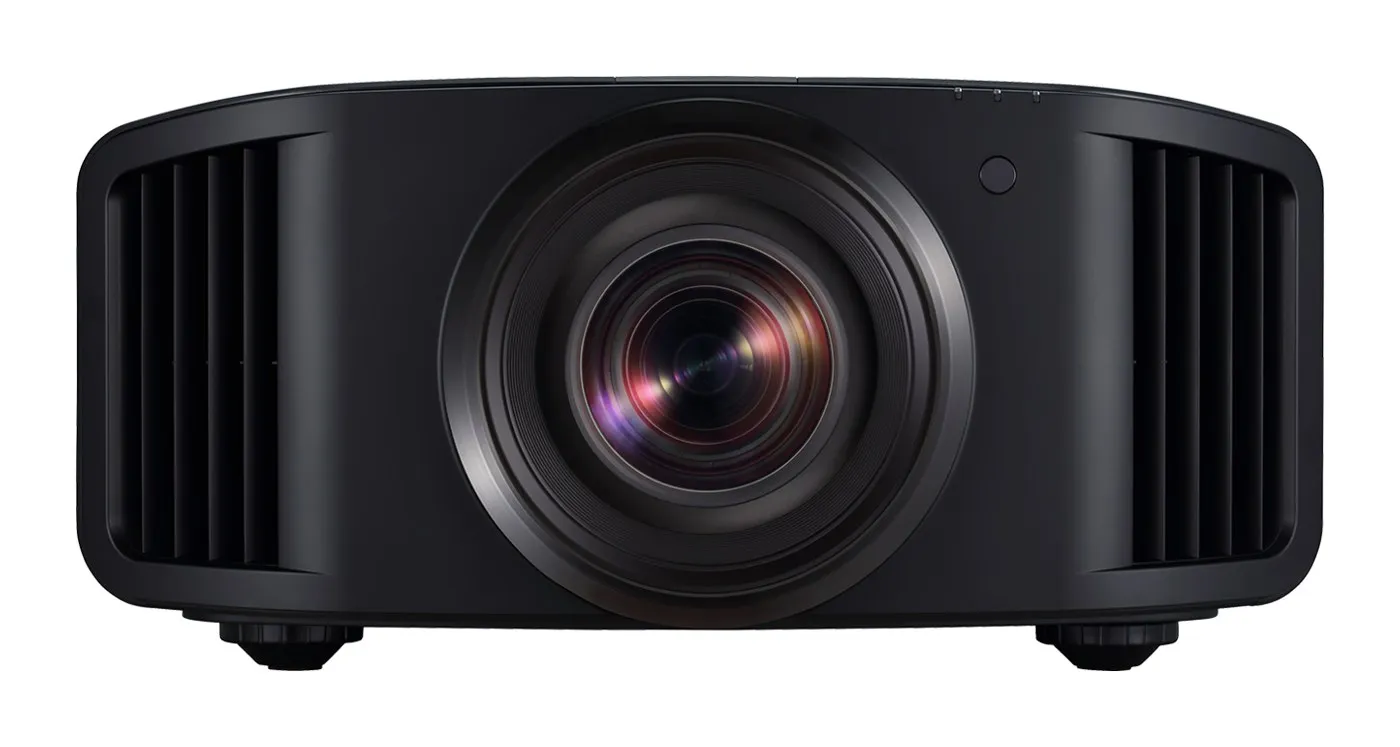 The NZ900’s 100 mm all glass lens. Photo: JVC.
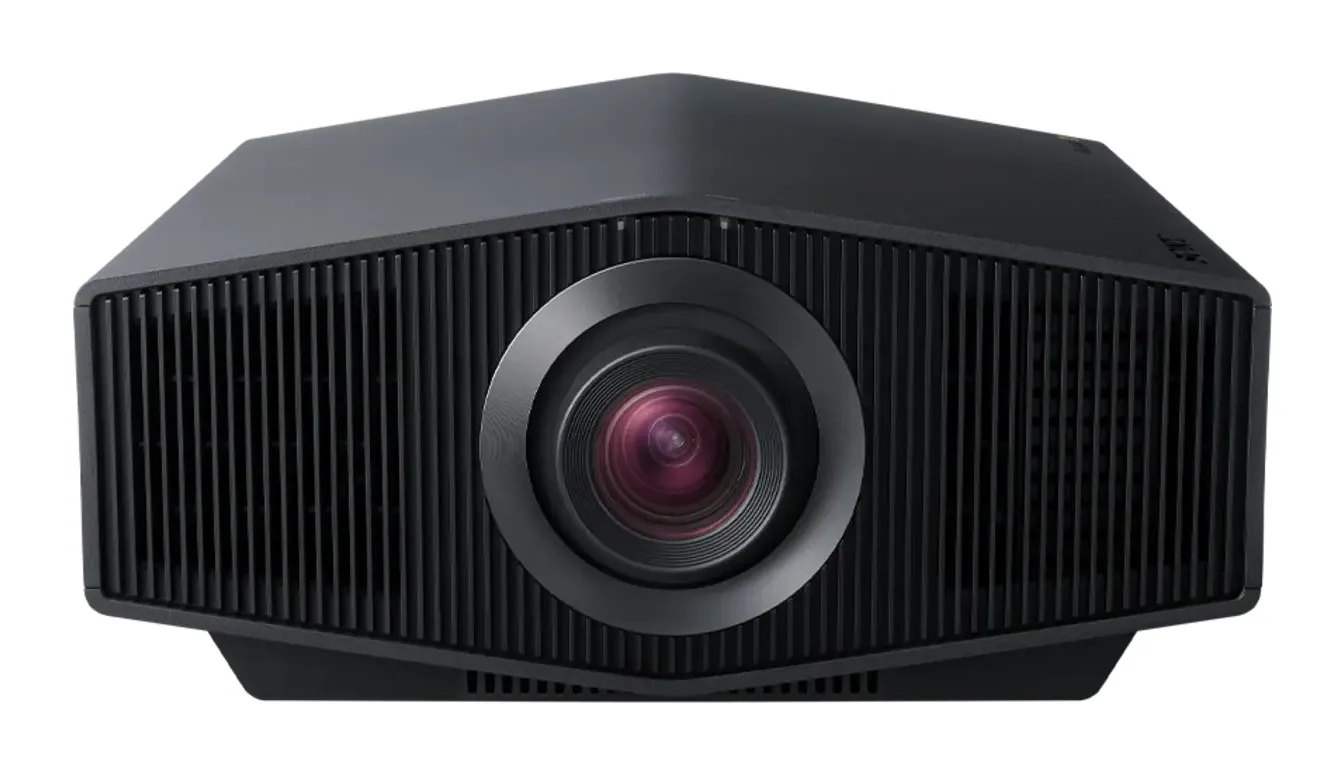 The Bravia Projector 9’s 70 mm lens. Photo: Sony.
8K and 3D. The JVC is still native 4K, but it shifts each pixel in four directions to display an 8K image. There’s very little 8K content to watch, so treat this as a sharpness bonus, not a reason to buy. 3D is the same story: JVC still supports it, Sony dropped it. If you have a collection of 3D discs, that settles it.
HDR10+. The JVC supports it, the Sony doesn’t. JVC’s Frame Adapt HDR also analyzes every scene to fit HDR to your screen, and it’s one of the best tone mapping systems in projection.
What the reviews don’t tell you about installing them
Ceiling structure. A 56 lb projector on a mount needs solid blocking in the ceiling, planned before drywall. JVC now includes a ceiling mount with the NZ900, but the structure behind it is still on us and your builder.
Where it sits relative to the seats. Both have similar throw ranges, so on a typical 120 to 150 inch screen the projector usually ends up above or just behind the back row. That’s the spot for fan noise, heat, and a power and HDMI run, and it’s why projector placement belongs on the drawings, not on install day.
The screen. At 3,300 or 3,400 lumens, both are bright enough for a big screen in a dark room. The screen’s size, gain, and material change the result as much as the projector does, and they have to be chosen together.
Calibration. Either projector deserves a professional calibration on its own screen, in its own room. A $33,000 projector left in its factory picture mode is leaving a lot on the table.
How we’d actually make the call
- What does the room look like? Dark finishes and no windows point to the JVC. Lighter finishes or ambient light shrink its advantage and make the Sony a strong choice.
- Will you game on it? If yes, the Sony’s lag is a real advantage.
- Do you watch 3D? If yes, it’s the JVC. The Sony doesn’t do it.
- Where can the projector go? A tricky mounting spot favors the JVC’s wider lens shift. A ceiling that can’t take much weight favors the Sony.
- Then price the whole system. Screen, room finishes, mounting, and calibration all affect the picture as much as the projector.
At this level there isn’t a bad choice between these two. There’s only the one that fits your room, and the room should be designed around it from the start.
Choosing a projector at this level? We start with the room: the finishes, the screen, where the projector can mount, and how you'll use it, then pick the projector that fits it and calibrate it on your screen.
Call or text (949) 275-1232 or email [email protected] and tell us about the room. We'll tell you which projector fits it and what the full theater looks like. You can also request a free consultation or see home theater design and installation.